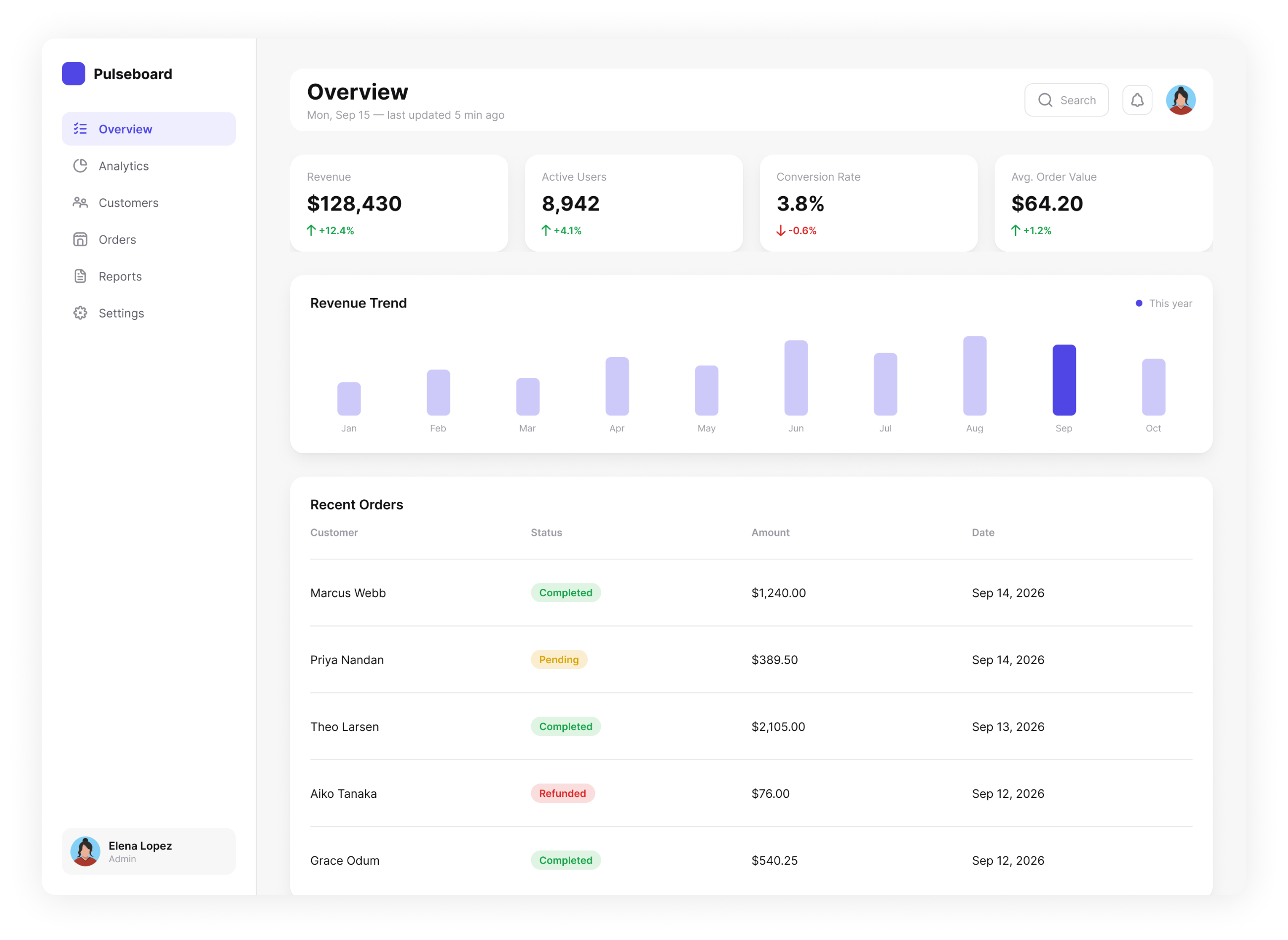
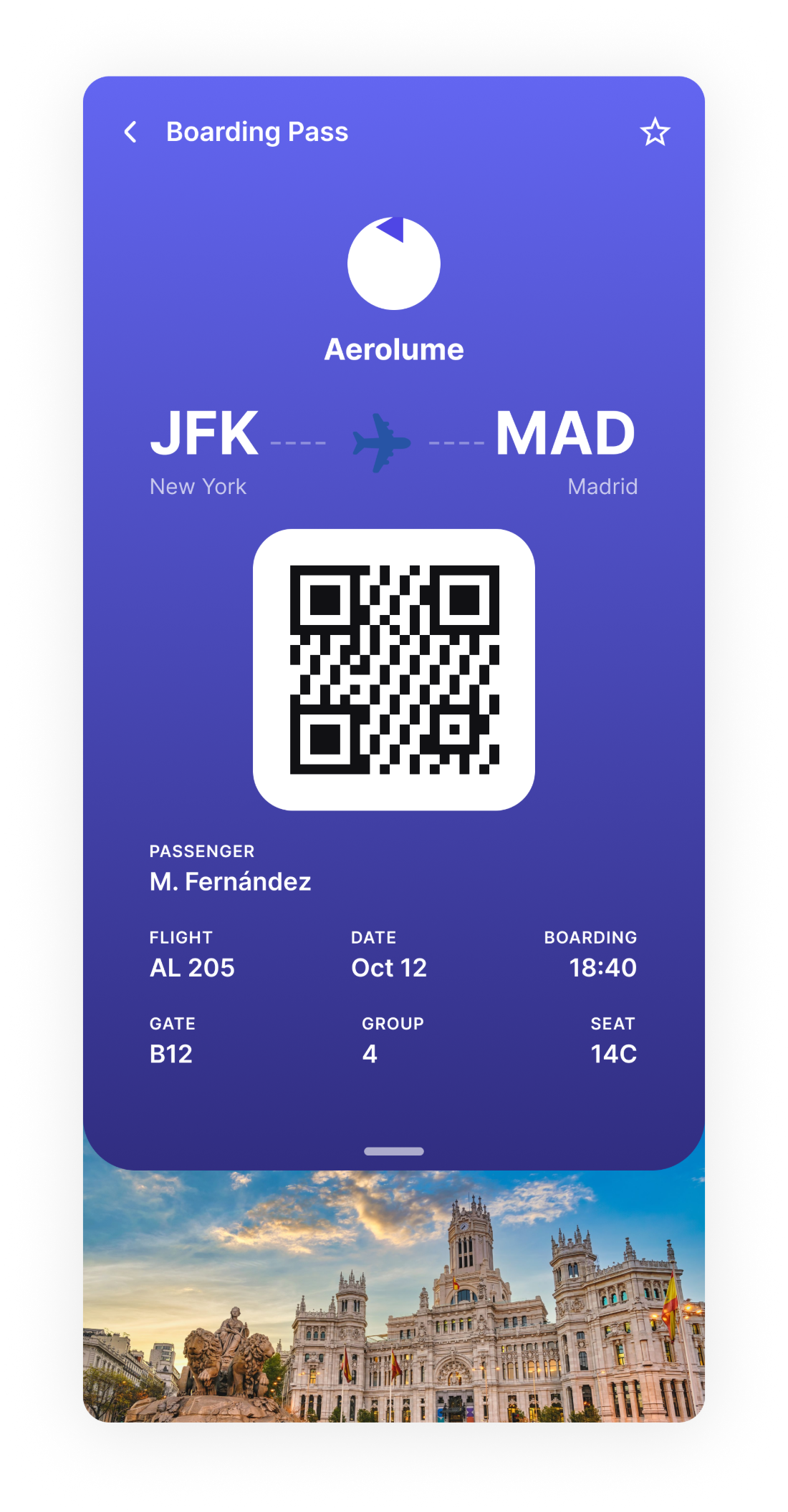
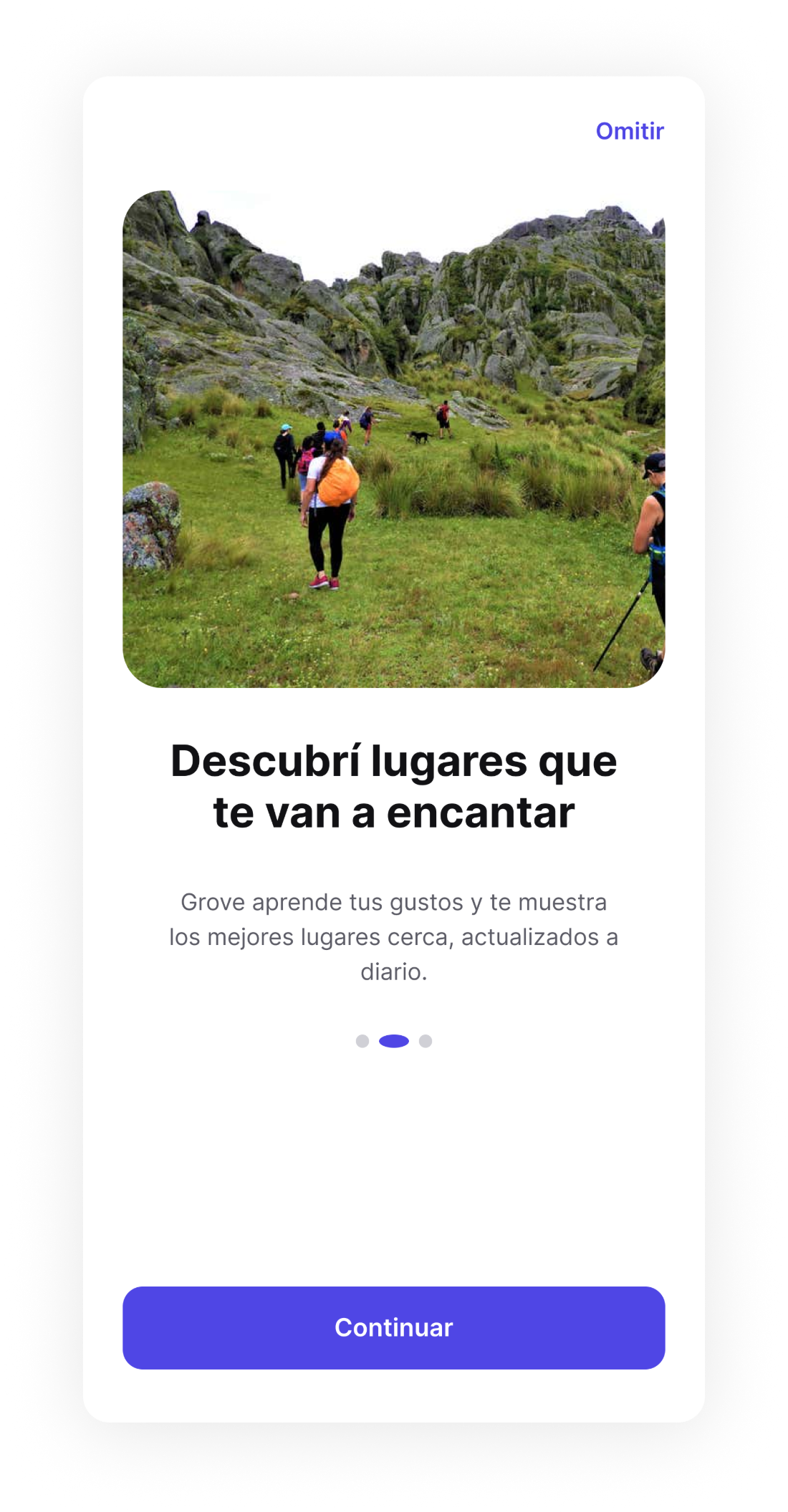
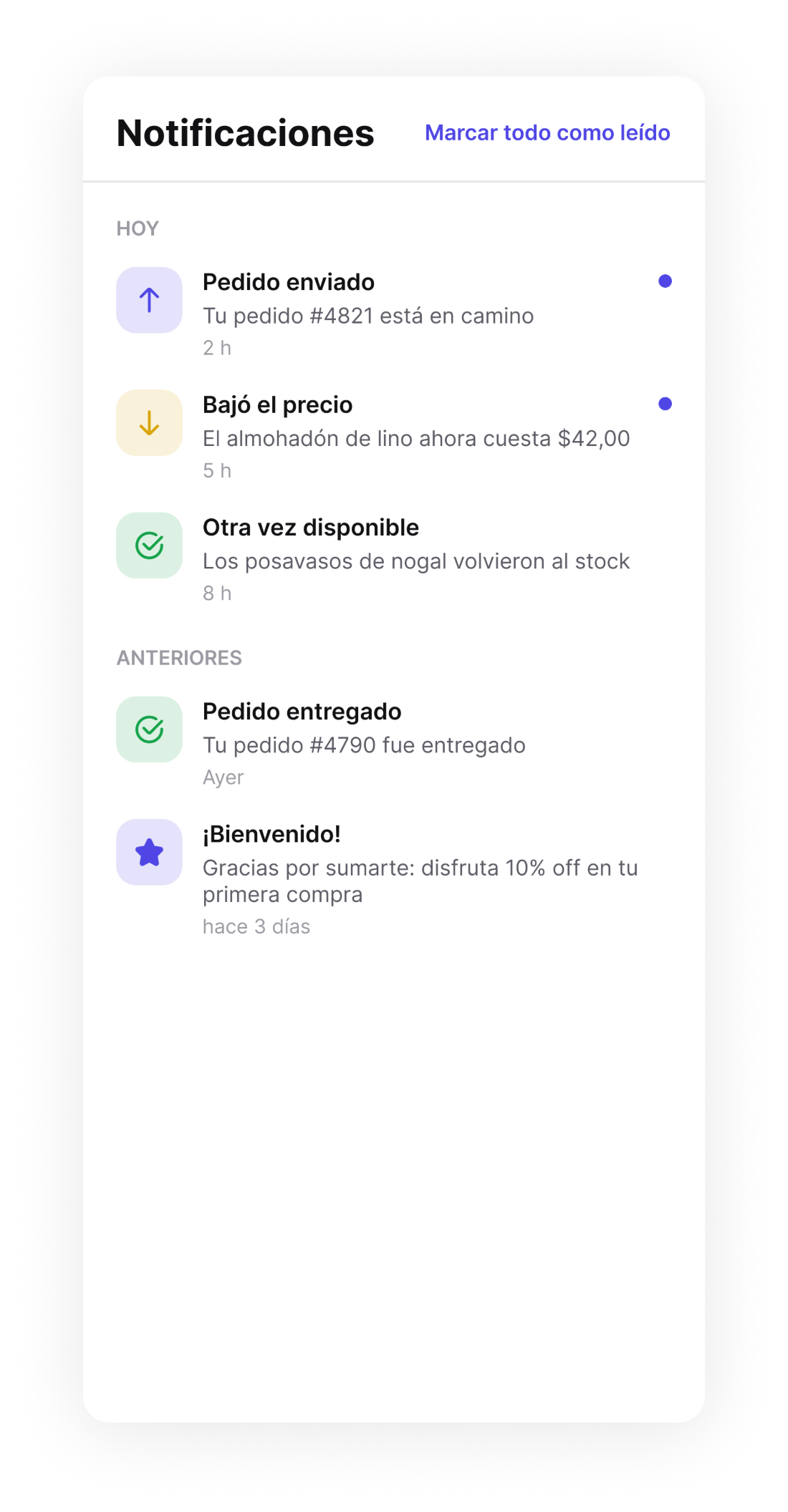
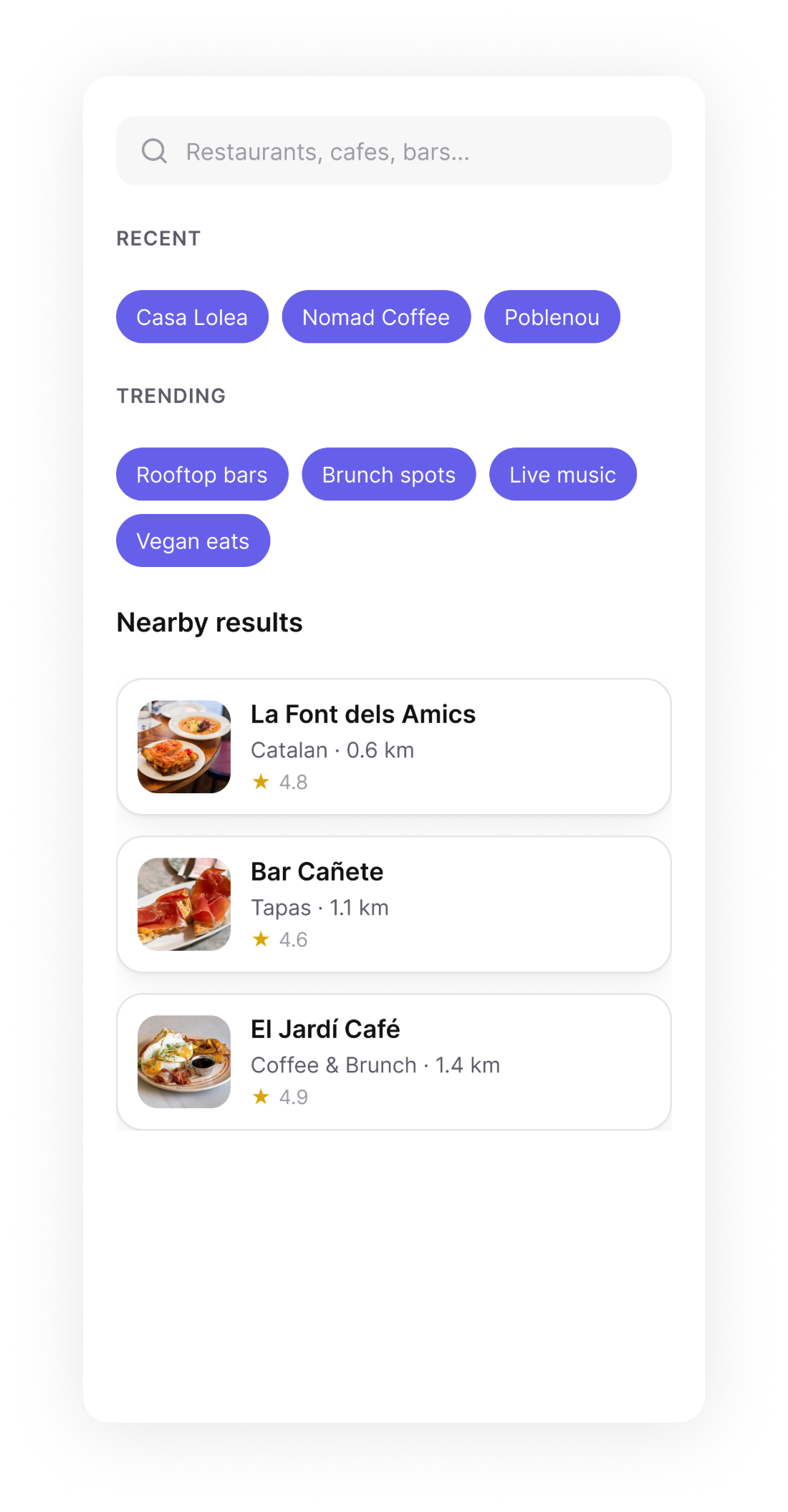
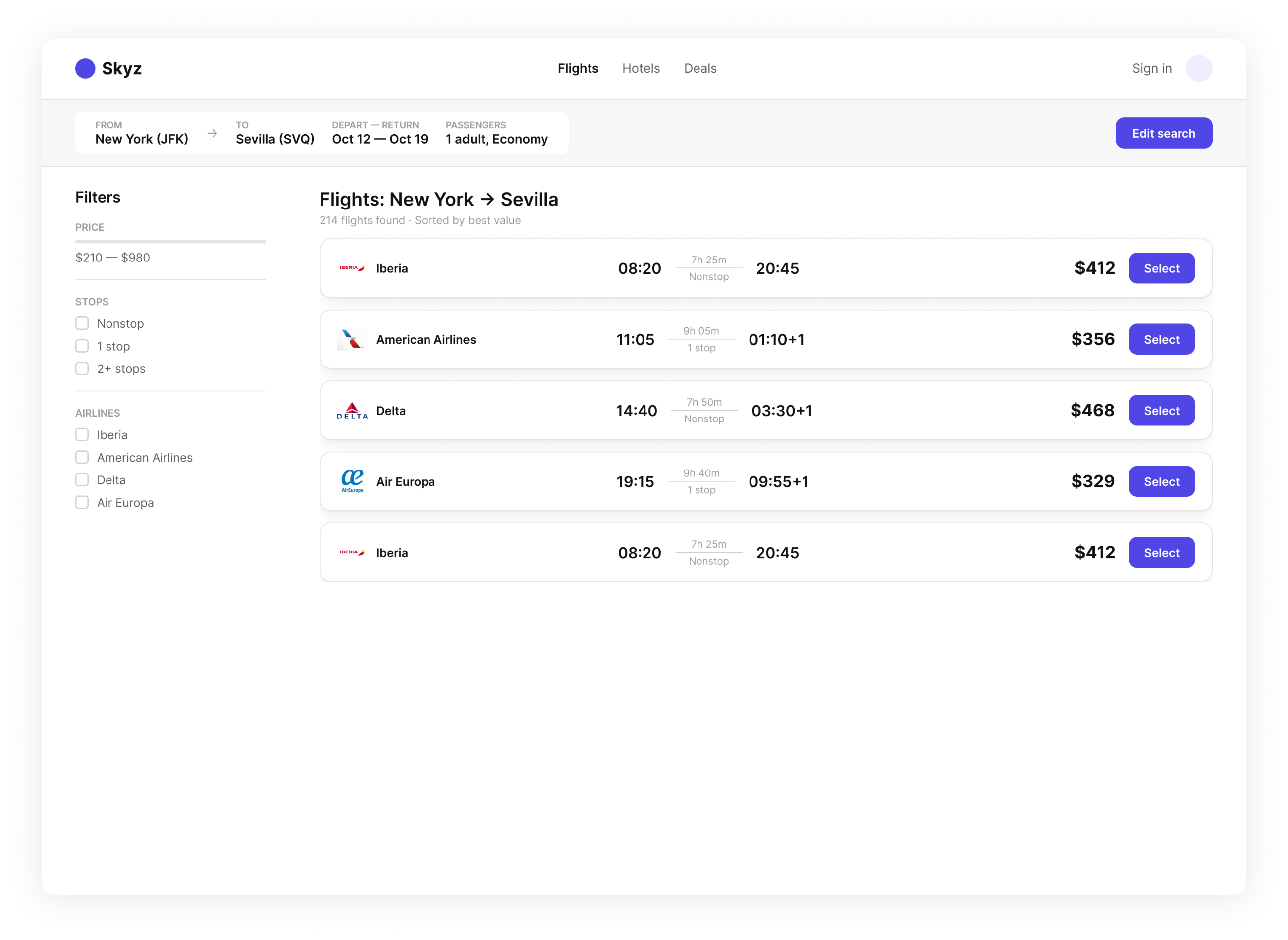
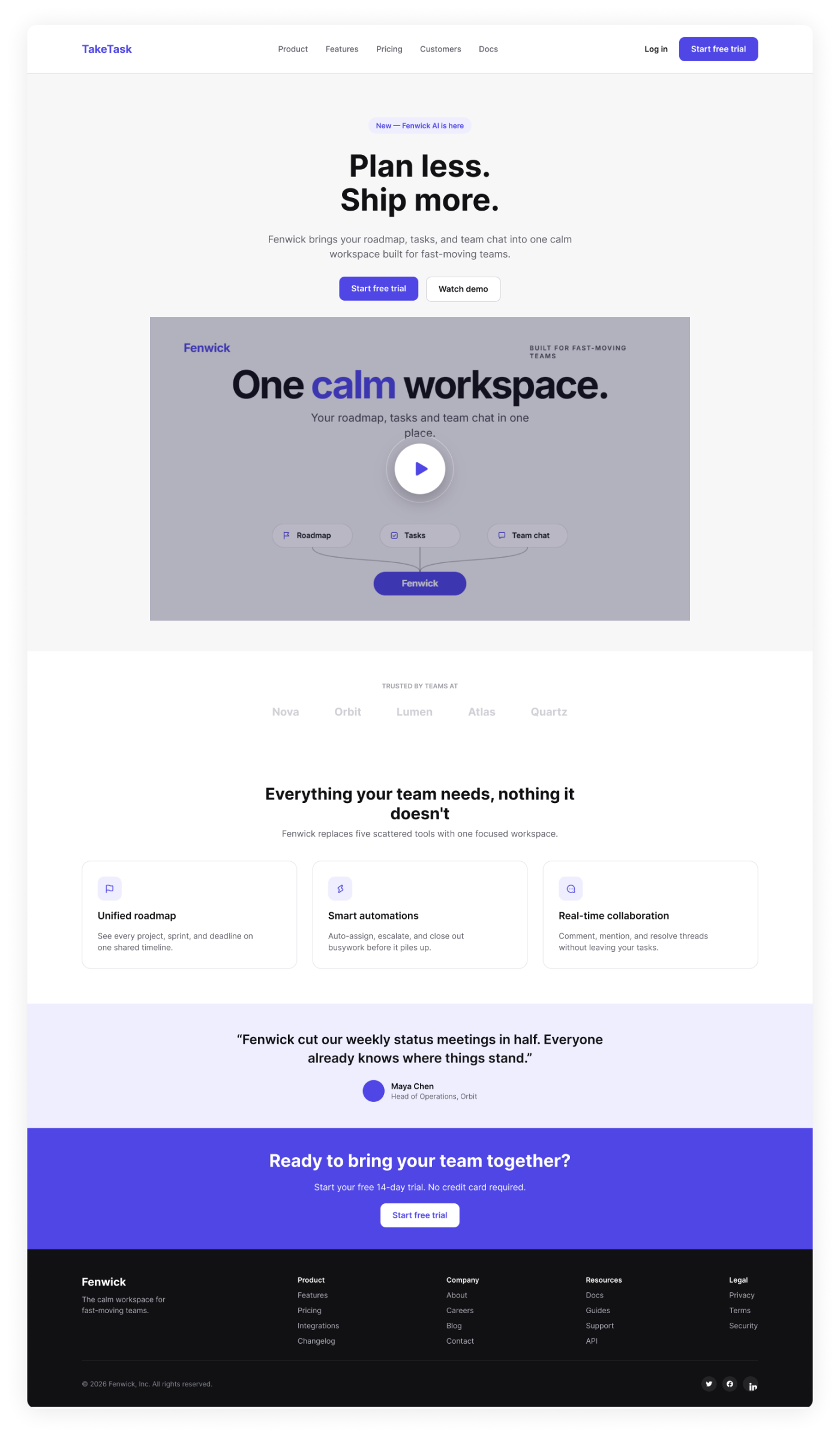
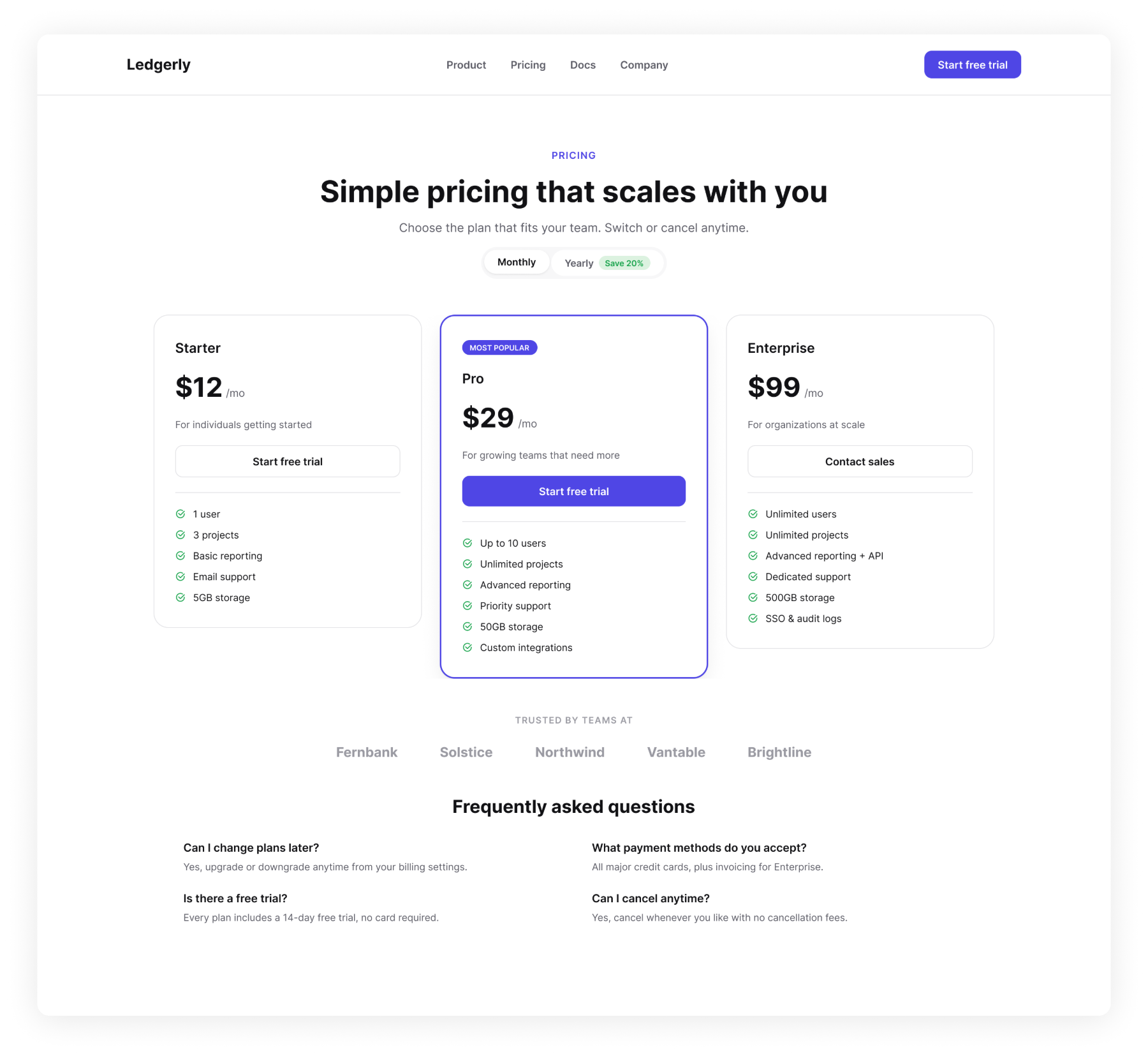
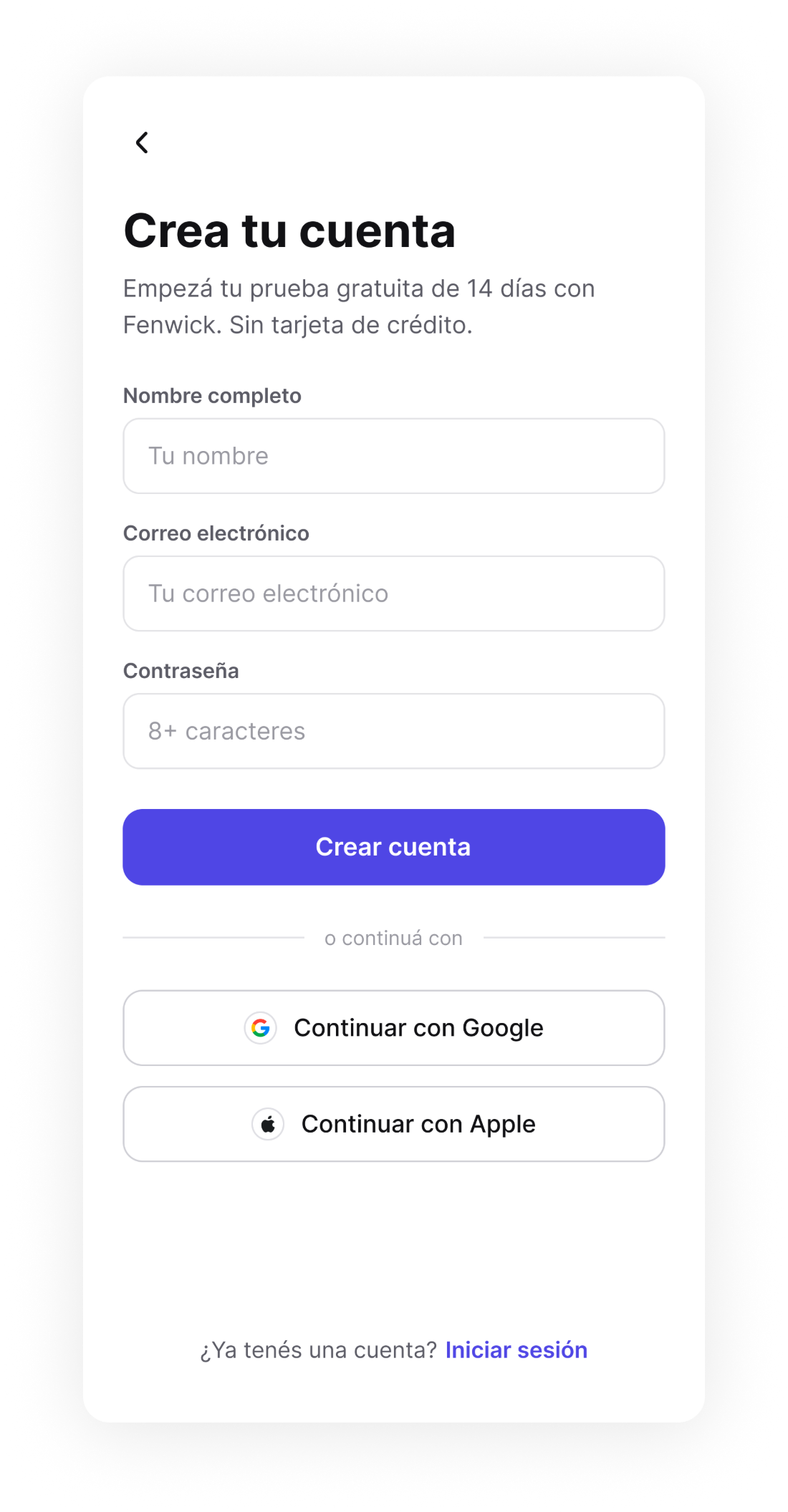
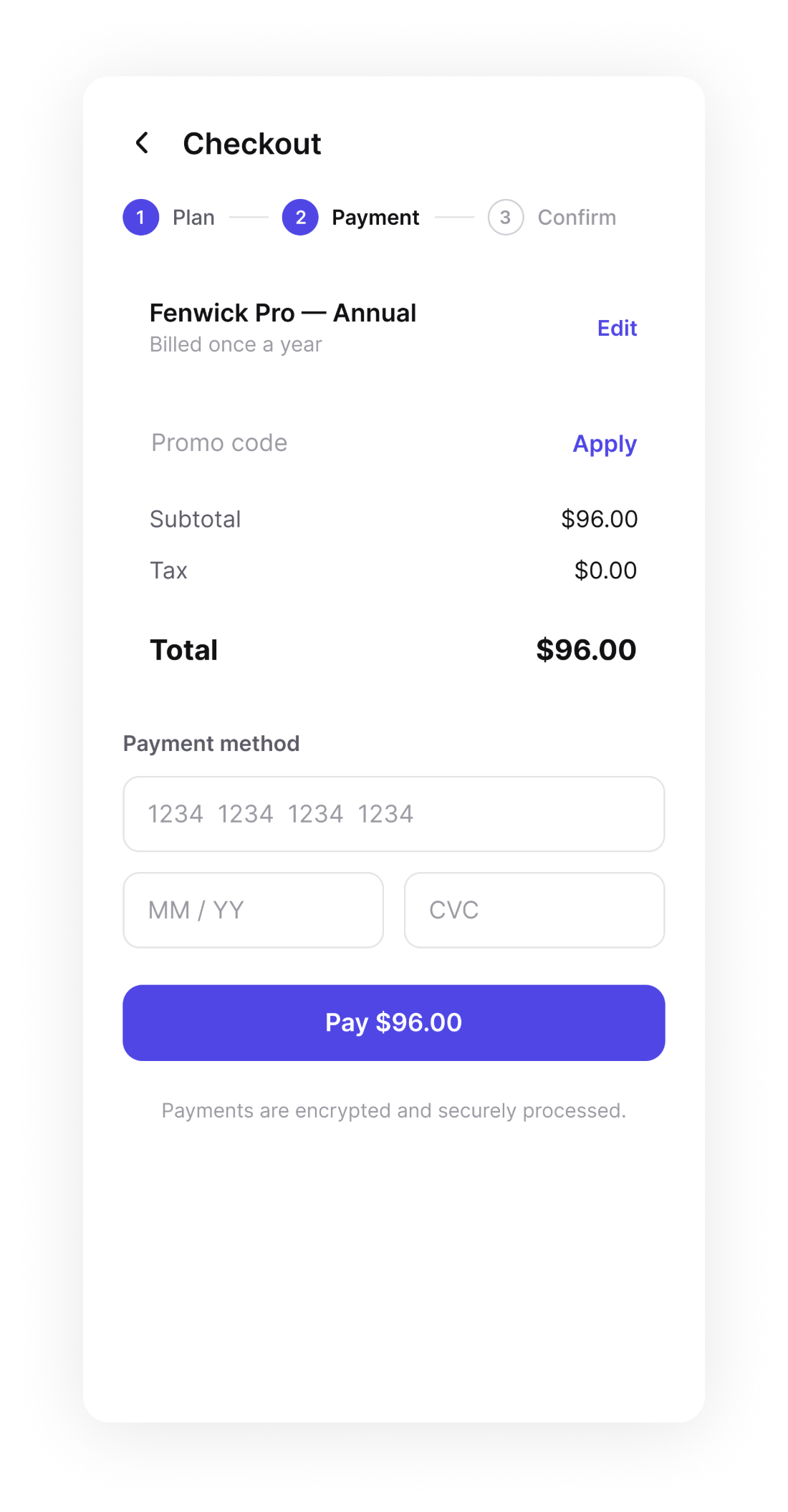
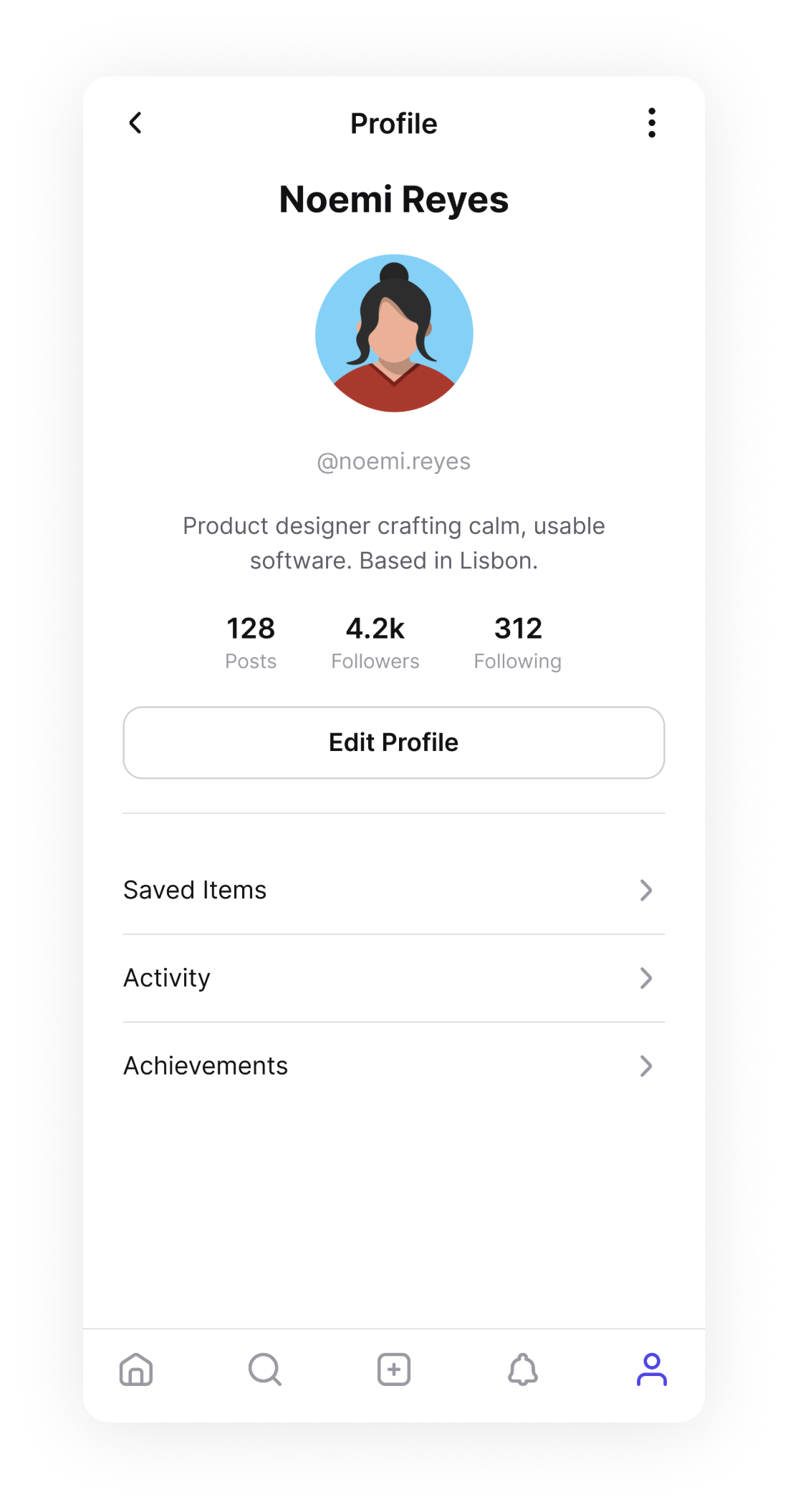
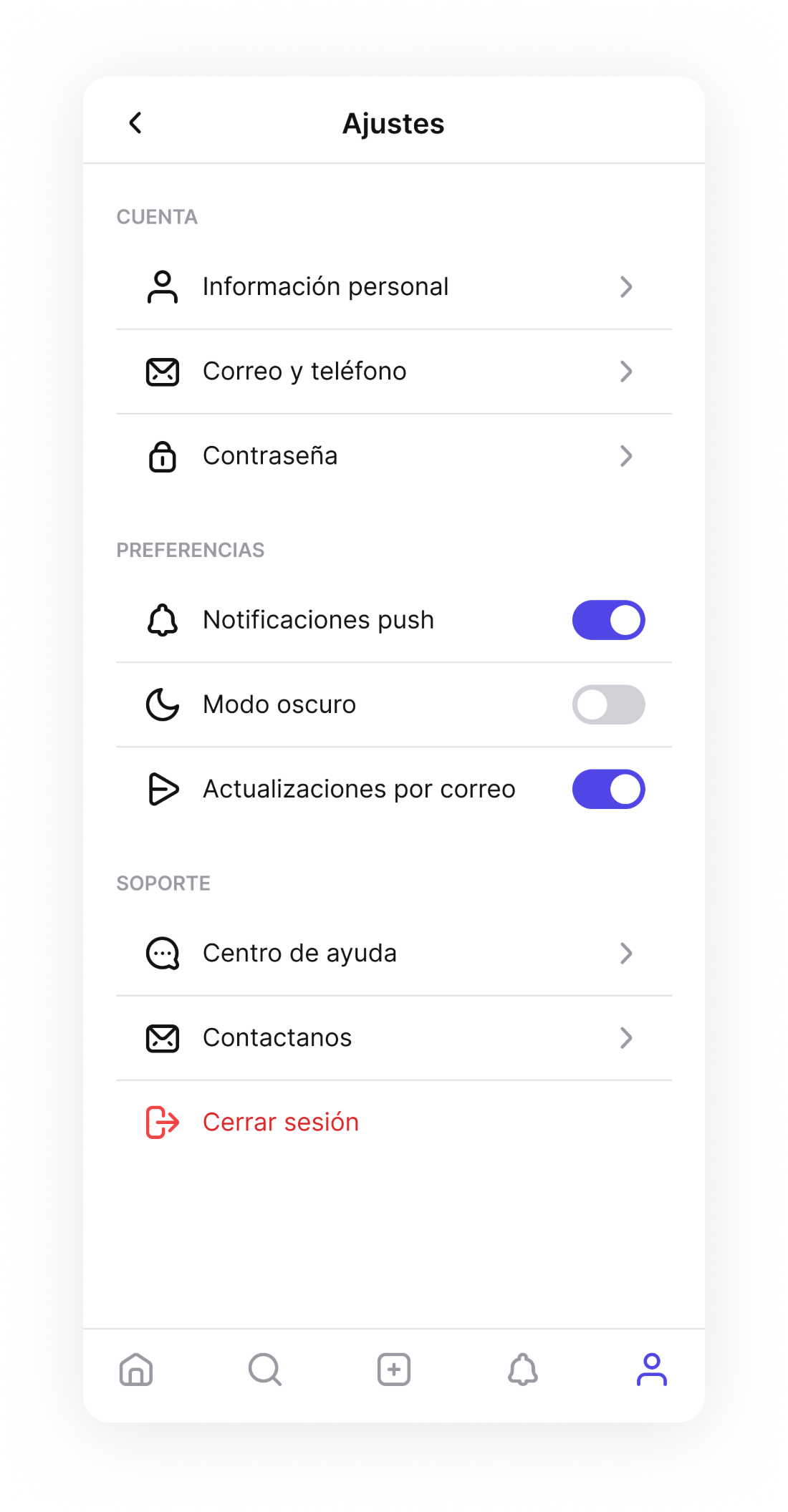
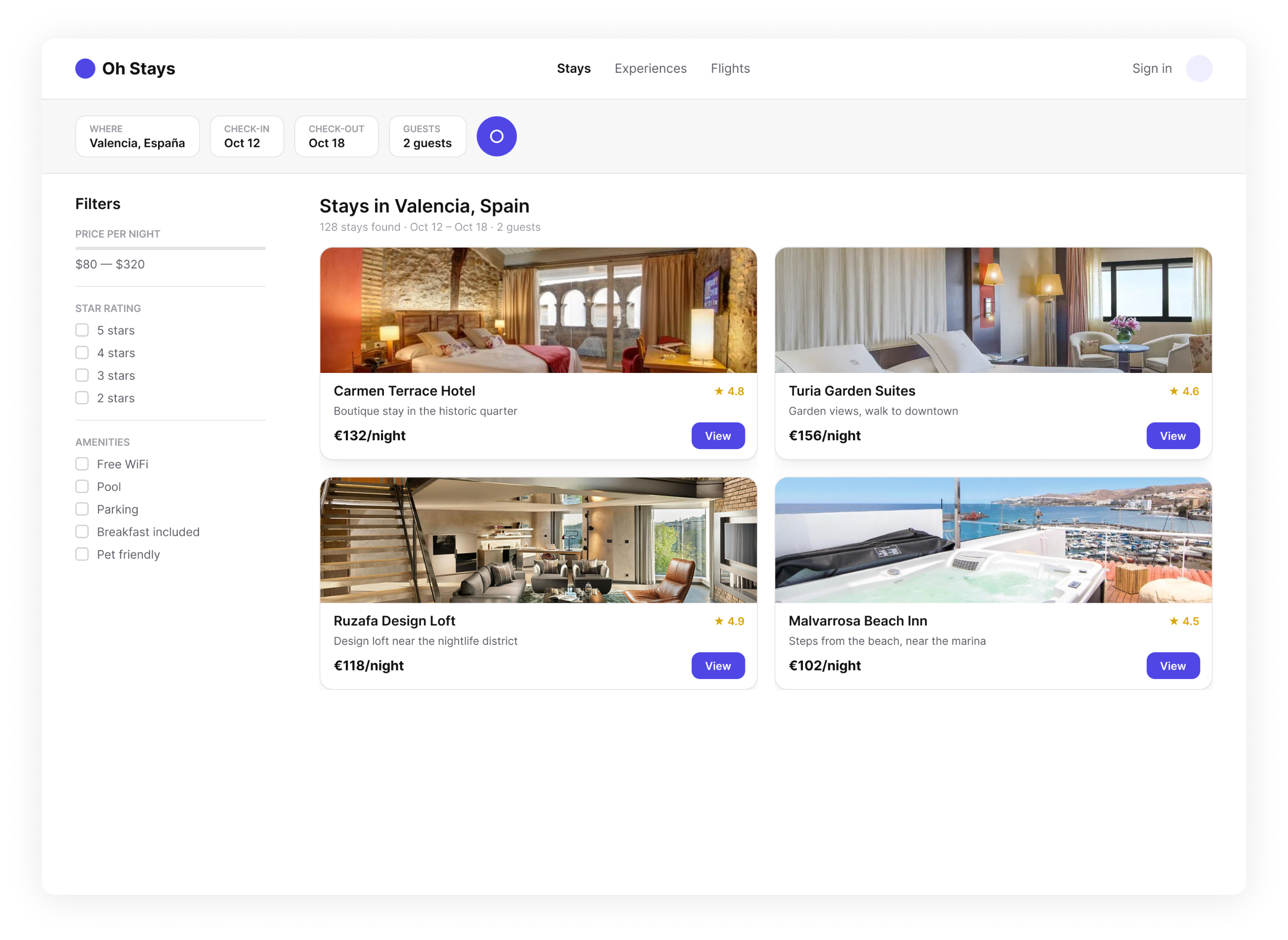
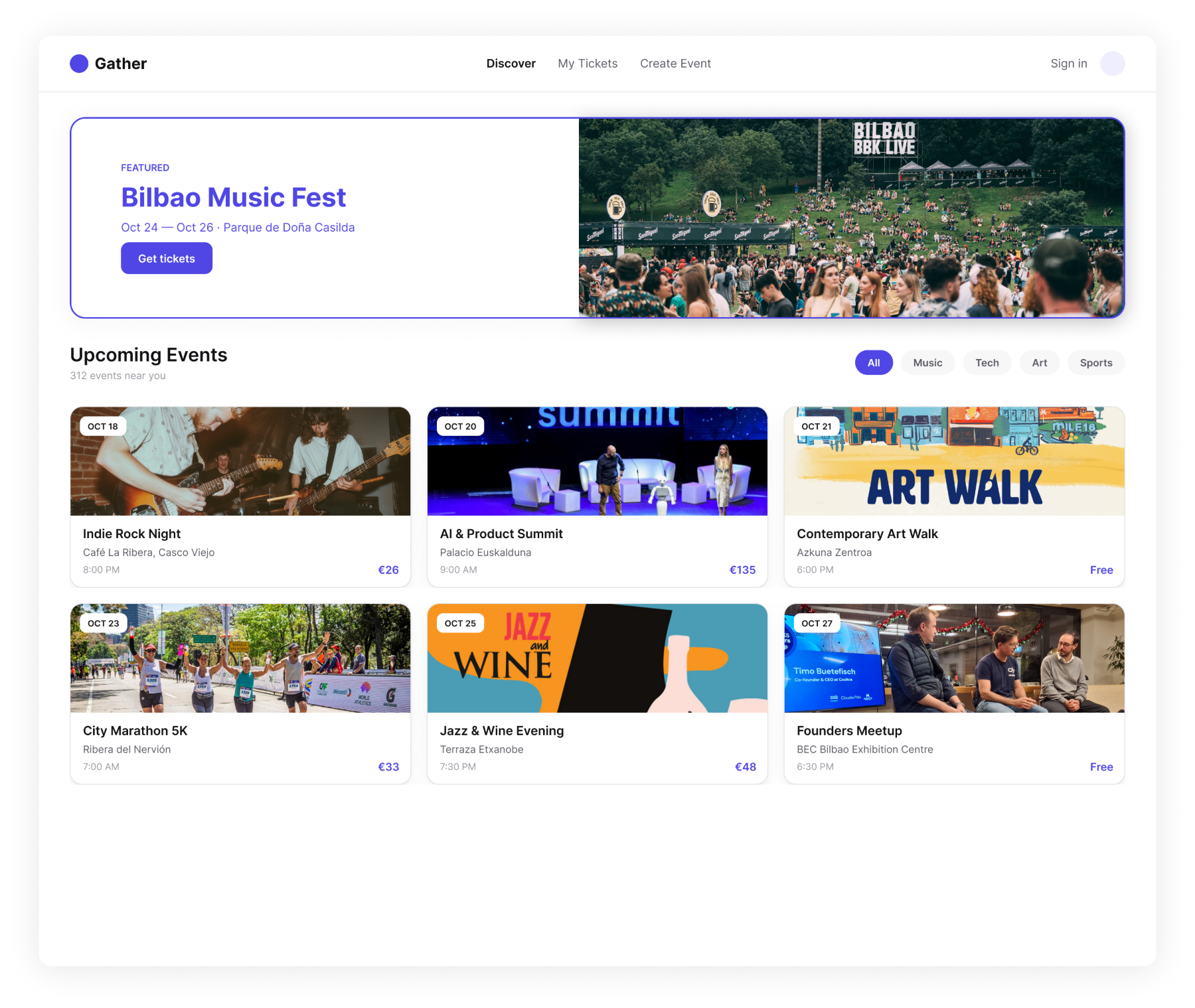
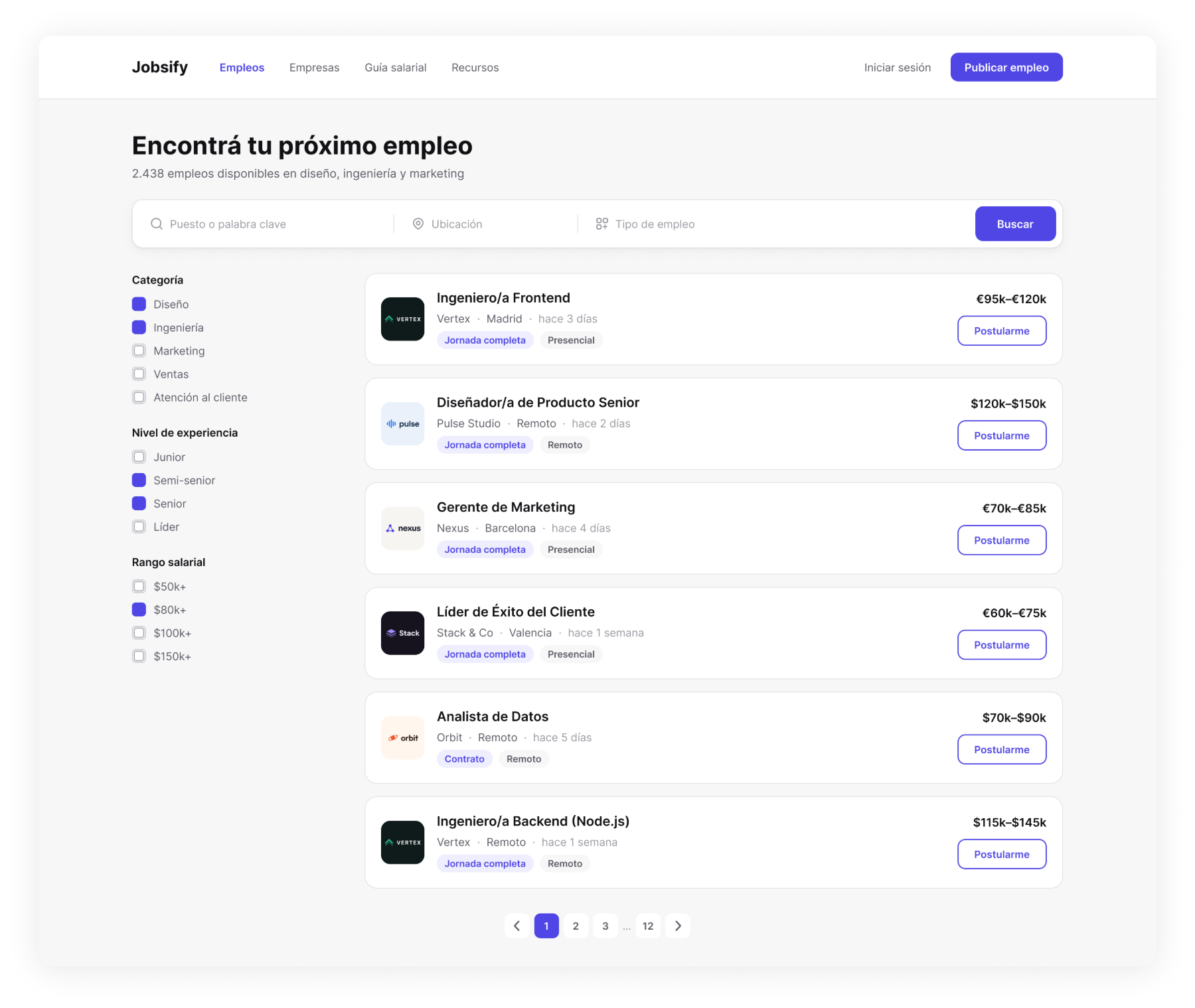
DashboardFour metrics, one trend and the latest orders readable in a single glance.Boarding PassThe code to scan first, the flight details under it, nothing else competing.OnboardingThree screens to explain the app, with a way to skip on every one.NotificationsGrouped by day, unread marked, and everything clearable in one tap.SearchRecent and trending queries carry the screen before any typing starts.Flight SearchTimes, duration, stops and price aligned so two flights compare down one column.Landing PageOne promise, one demo, one action — repeated at the bottom for whoever scrolled.PricingThree plans with the middle one marked, and an FAQ that answers the rest.Sign UpThree fields, then the social logins for anyone who would rather skip them.CheckoutThe total settles before the card fields, and progress stays in view.ProfileIdentity, numbers and actions stacked in the order they actually get used.SettingsAccount, preferences and support as separate blocks; sign out last, in red.Hotel BookingFilters stay on the left while price and rating sit together on every card.Event ListingOne featured event up top, then a grid you can narrow by category.Job ListingSalary reads as loud as the job title, so nobody opens a posting to find it.